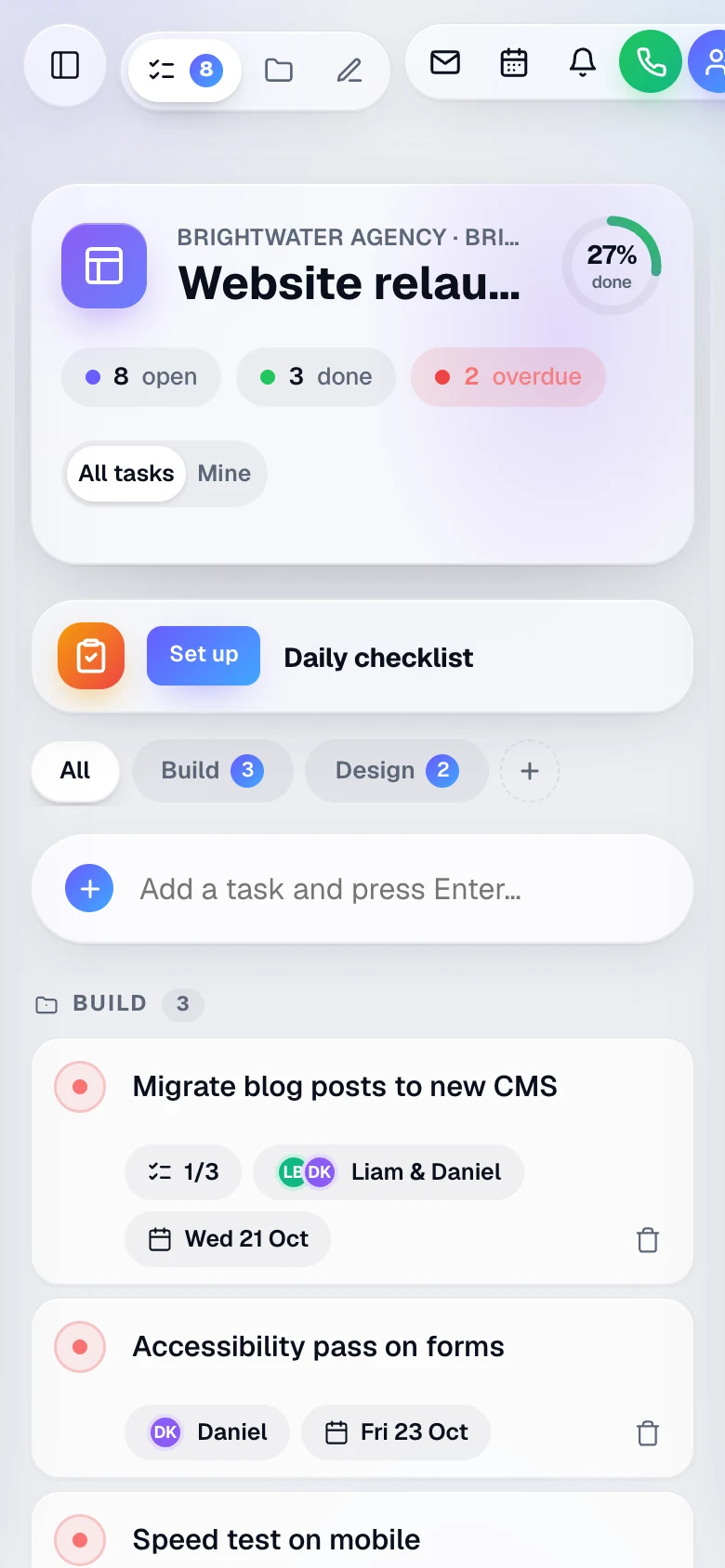
Companies, projects, departments
Group work into companies and sub-companies, then projects, with departments inside each project. It all sits in one sidebar.
Tasks, a whiteboard, calls, files and the rota in one shared workspace that updates for everyone the moment anything changes. Your company gets its own private address and its own database.
30-day free trial No card needed Cancel any time
Live exampleHave a go: tick a task, add one, or switch to Mine. The teammates are samples.
Everything in one place
Every project in Do comes with its own tasks, whiteboard, call room and files. Open it and you see what the team is doing right now.
Tasks
Tick something off and it's ticked for the whole team. No refreshing, no "is this the latest version?".
Live exampleSample tasks and teammates
Whiteboard
Every project has a canvas the whole team can draw on at once, with everyone's cursor and name on screen.
Live exampleDraw with the pen, or drag a note
Draw anywhere on the board and drag the notes around. On a keyboard, tab to a note and move it with the arrow keys (hold Shift to move further). Or tap a note, then tap where it should go. A sample whiteboard. Turn on JavaScript to draw on it and move the notes. This is a sample on this page: nothing you draw is saved or sent anywhere. Maya is a sample teammate, not a real person.
Sticky note. Use the arrow keys to move it.
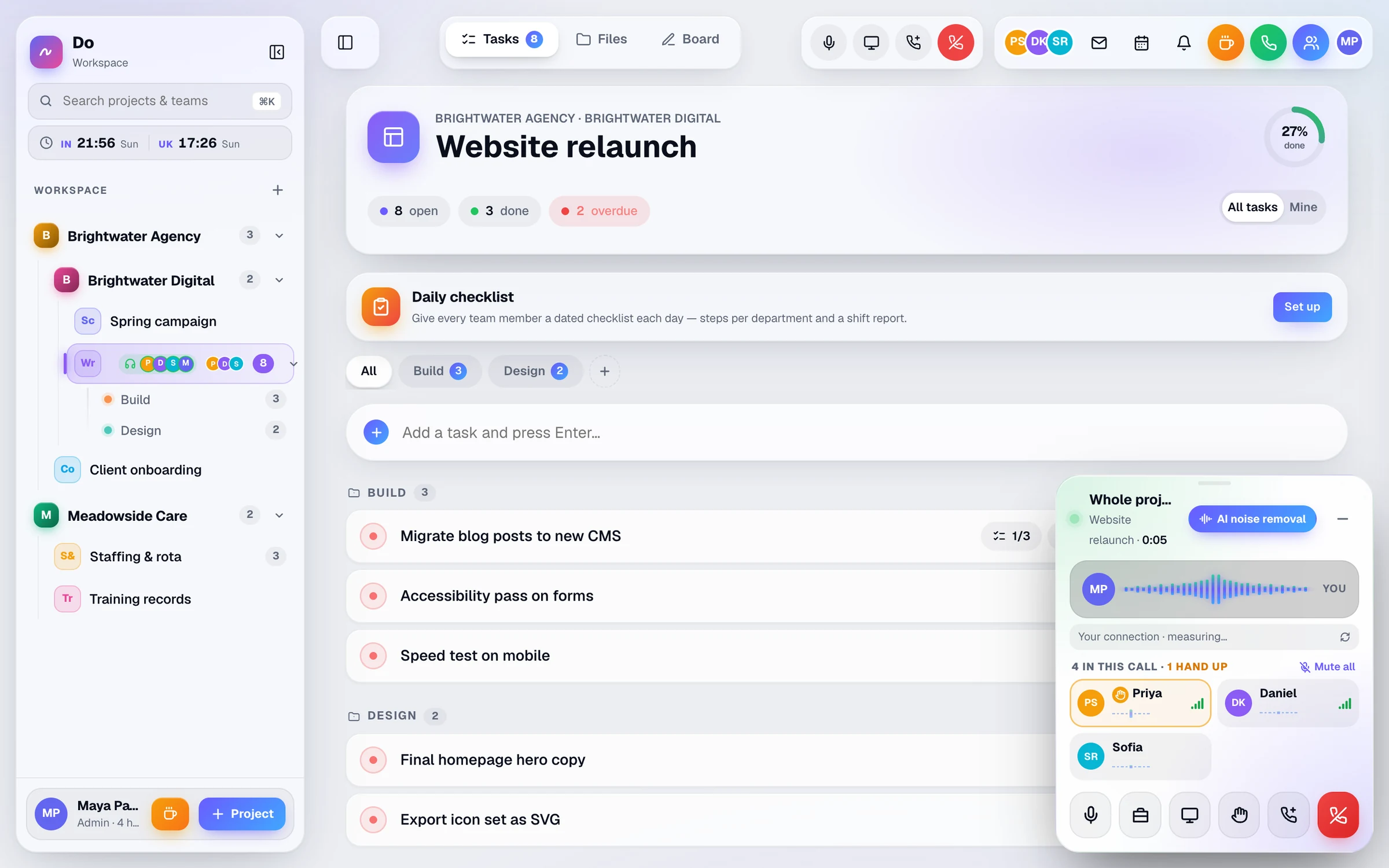
Calls
Every project and department has its own voice call room. Jump in with one click, share your screen, and keep working on the same tasks while you talk.
ScreenshotThe real app, shown with sample data
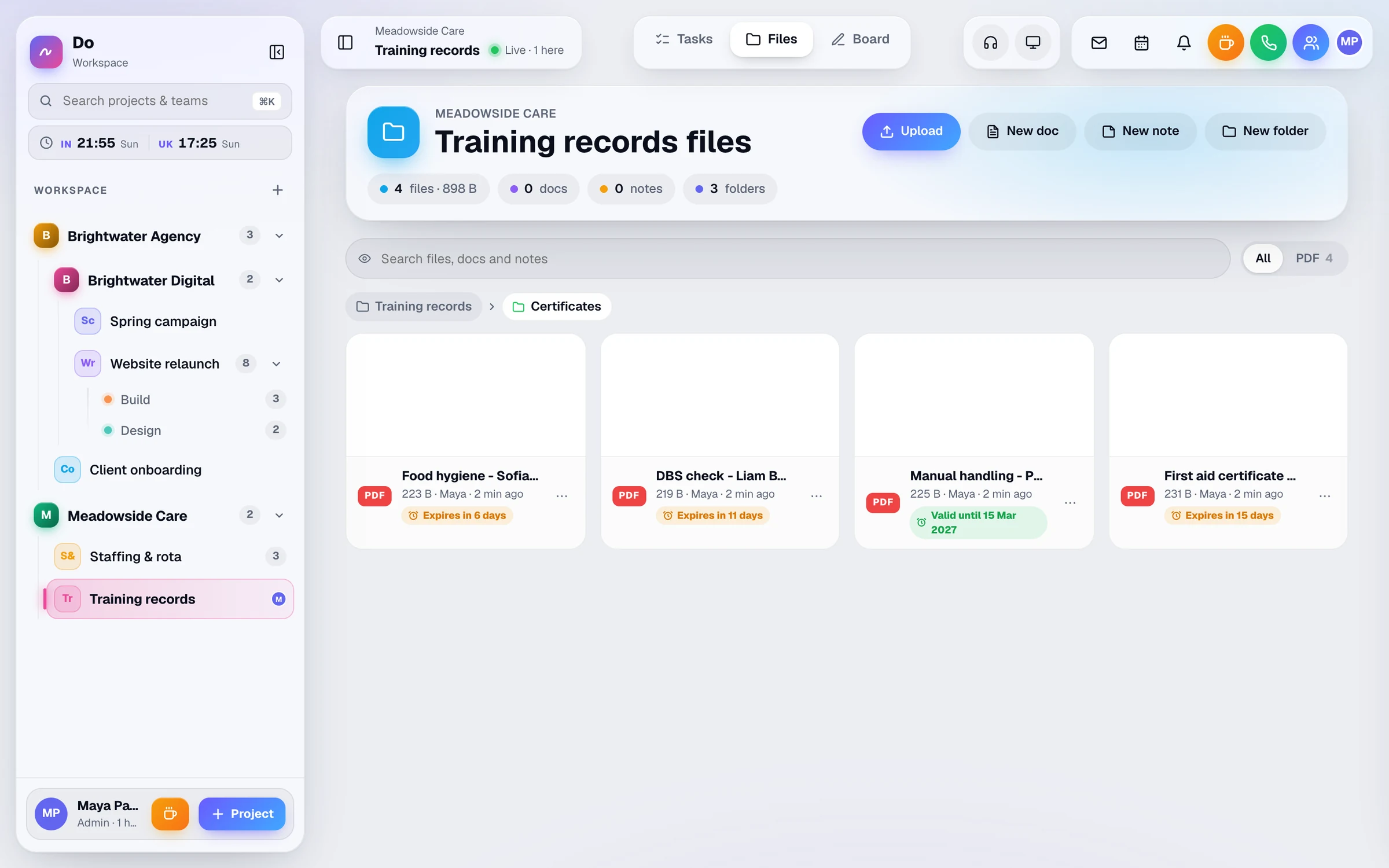
Files
Keep each project's files in folders. Add an expiry date to a passport, licence or certificate and Do reminds you before it runs out.
ScreenshotThe real app, shown with sample data
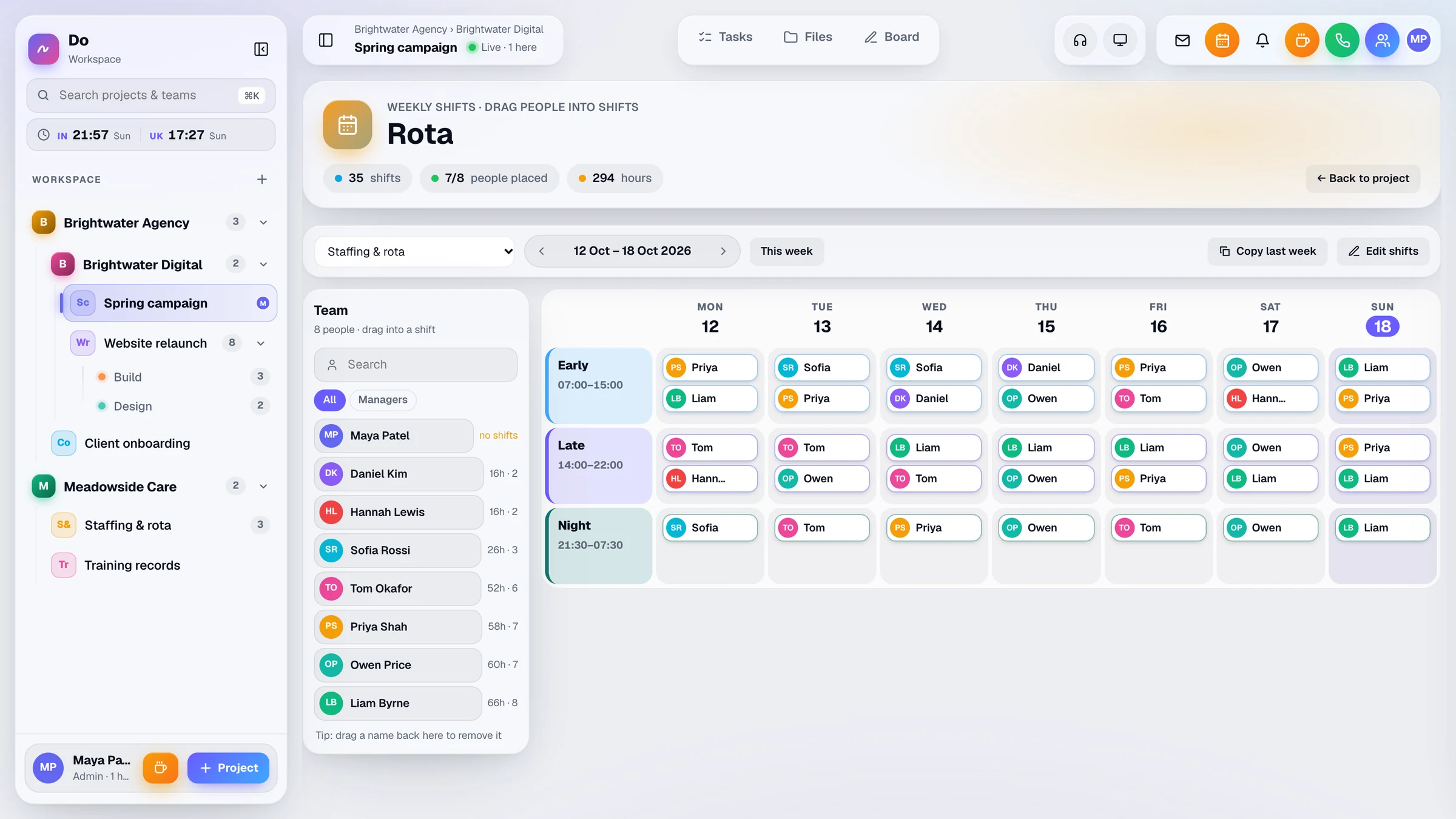
Rota
Set up your shift types, then place people on the week. Everyone can see the rota, plus who's online, who's on a break and when people were last seen.
ScreenshotThe real app, shown with sample data
Real numbers from the product. No vanity metrics.
And the rest
Group work into companies and sub-companies, then projects, with departments inside each project. It all sits in one sidebar.
Give limited users only the projects they need, add read-only members, and invite outsiders with a guest link.
An in-app bell, plus push notifications on phone and desktop. Install Do as an app with no app store needed.
Personal join links, email and passcode, or a passkey with Face ID or Touch ID.
For any project, up to about 3 months at a time, see the tasks that were added and finished, who finished them, and the breaks people took.
Email the team from inside Do, sent from your own sender address once you connect it.
Security & privacy
Each company gets a private workspace at its own address, like acme.businlog.com, with its own certificate, its own app process and its own separate database.
Compare
Lots of teams juggle a task app, meeting links, a shared drive and a rota spreadsheet. Do puts them on the same page, for one price per person.
Separate tools
With Do
One live workspaceTasks, whiteboard, calls, files and rota
£10 per user / month, or £8 a month billed yearly
How it works
Tell us your company name and your details, then confirm your email. No card is needed to start, and nothing is charged during the trial.
Choose where your team will work, like acme.businlog.com. We set your workspace up for you straight away.
Add people from the Team menu and send each one a personal join link. They’re in with one tap.
Questions
Do is a live workspace for your team. Each project has a shared task list, a whiteboard, voice calls with screen sharing, files and a rota, and every change shows up for everyone straight away. It runs in the browser on phones and computers and can be installed as an app.
Confirm your email and your workspace opens with no card needed. Use everything free for 30 days. Nothing is charged during the trial.
£10 per user a month, or £96 per user per year (£8 a month), which saves 20%. Every feature is included in both.
Everyone in your workspace, admins included. People you invite with a guest link are free.
Yes. Every company gets its own workspace address, its own app process and its own separate database. Your tasks, files and calls are never mixed in with another customer's.
Yes. Do works in any modern browser on a phone, tablet or computer. You can install it like an app and turn on push notifications so calls and new tasks reach you.
You send each person a personal join link, so there is no password to remember. They can also sign in with their email and a passcode, or save a passkey and use Face ID, Touch ID, a fingerprint or Windows Hello.
Yes. Nothing is charged during the trial, and when it ends your workspace simply pauses. To close your account or have your data deleted, email hello@businlog.com.
Still wondering about something? Ask us anything or browse the help centre. Messages go straight to the Businlog team.
Set up your workspace in a few minutes and try everything free for 30 days. Then it's £10 per user per month, and you can cancel any time.
The Businlog team
Hi there!
Tell us a little about your team and what you need. Someone from our team will read it and reply by email.
If you think of anything else, just reply to our email when it arrives.
Prefer email? hello@businlog.com